
WordPress.com Themes Review: Get Premium Themes with a WordPress.com Plan

Choosing a WordPress theme is one of the first decisions when building a website. A theme determines the overall design of your site and provides the visual foundation for your pages, posts, and online store.
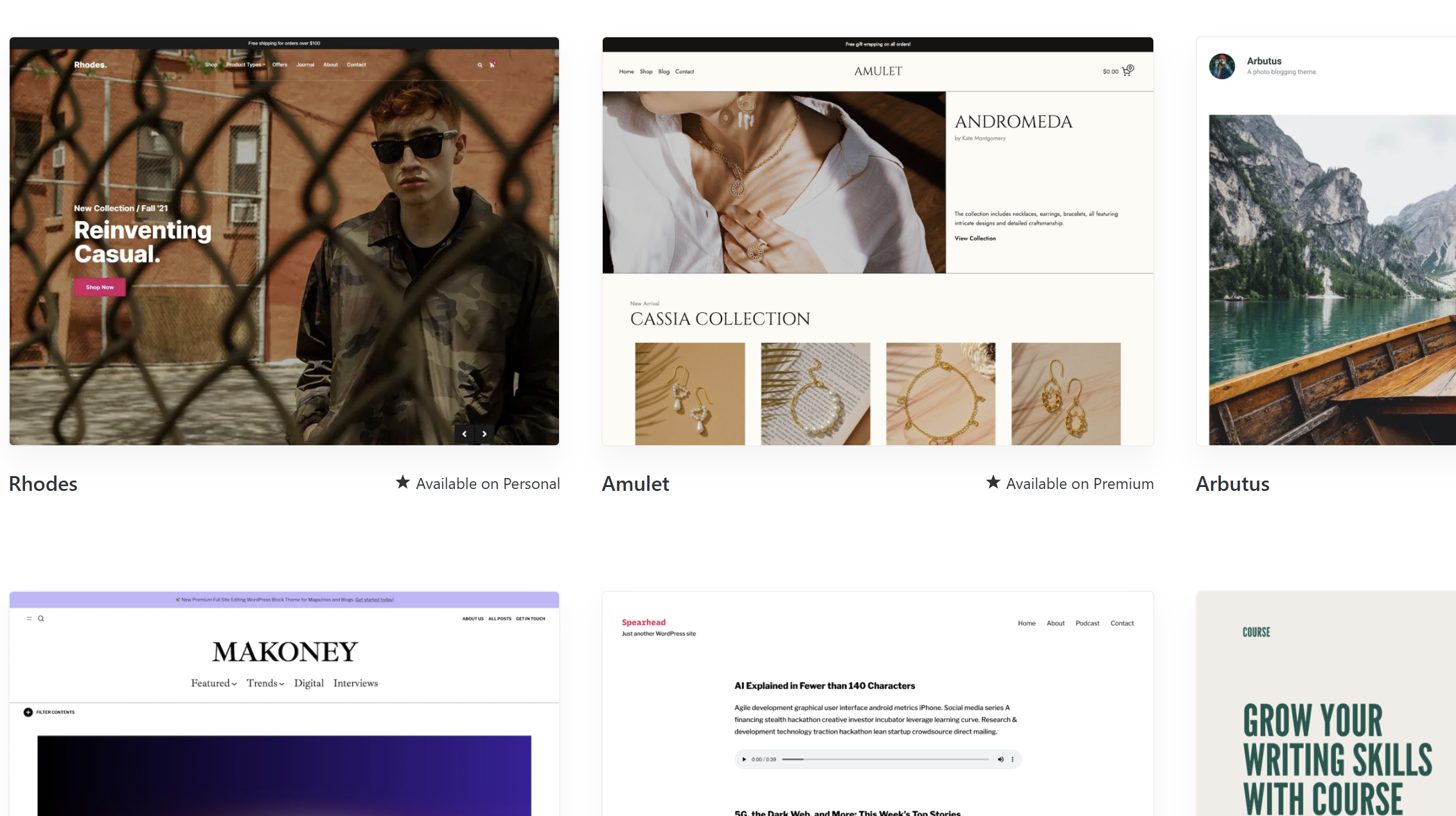
WordPress.com offers a large collection of themes directly within its platform, including free themes, premium themes included with certain paid plans, and Partner Themes from third-party developers.
However, WordPress.com Themes work differently from traditional theme marketplaces. Premium themes are generally accessed through eligible WordPress.com plans rather than purchased individually as standalone theme files. This makes the theme offering convenient for users who want to build and manage their website within WordPress.com, but it also creates limitations for anyone who expects to download a premium theme and use it on another WordPress host.
This guide explains how WordPress.com Themes work, what each type of theme includes, and whether the approach is suitable for your website.
What Are WordPress.com Themes?
WordPress.com Themes is the theme collection available through WordPress.com.
The collection includes three main types:
- Free Themes — available without purchasing a paid plan.
- Premium Themes — premium designs included with eligible WordPress.com plans.
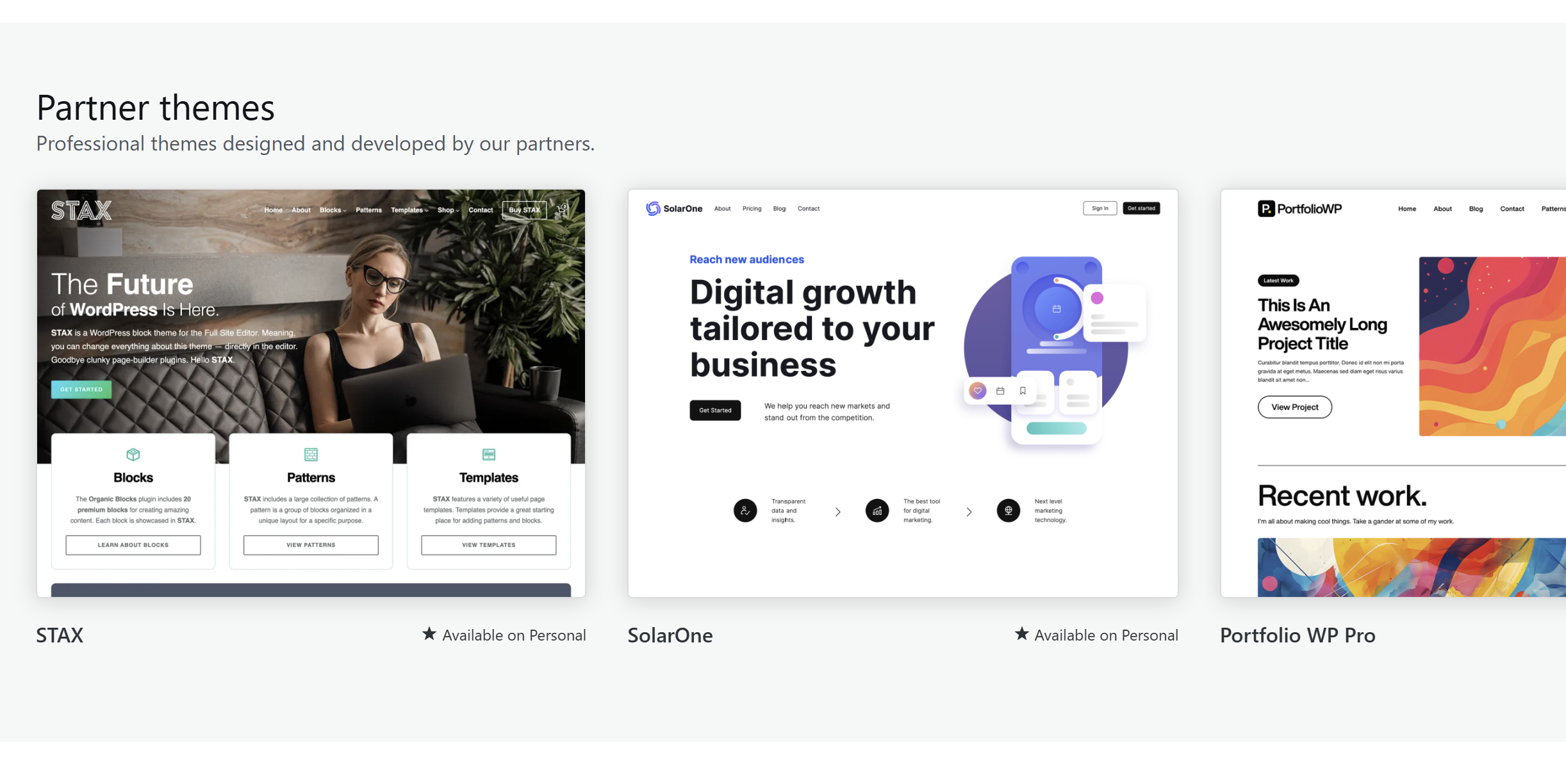
- Partner Themes — premium themes created by third-party developers and offered through WordPress.com.
This distinction is important because WordPress.com does not treat every theme as an individual product that you purchase, download, and install elsewhere.
For users who intend to build their website entirely on WordPress.com, the integrated approach can simplify theme selection and access.
For users who want to move a theme between different WordPress hosting providers, the limitations are more significant.
WordPress.com Premium Themes: What Do You Get?
The biggest difference between the WordPress.com plans is the amount of access to premium themes.
According to the current WordPress.com pricing information:
| Plan | Premium Theme Access |
|---|---|
| Personal | Dozens of premium themes |
| Premium | All premium themes |
| Business | All premium themes |
| Commerce | Premium store themes |
This means the entry-level paid plan does not provide access to the entire premium theme collection.
Personal: Dozens of Premium Themes
The Personal plan provides access to dozens of premium themes.
This can be enough if you only need a selection of professionally designed themes and do not need access to the complete premium collection.
However, users specifically looking for a particular premium theme may find the selection more restrictive.
Premium: All Premium Themes
The Premium plan expands access to all premium themes.
This is an important difference from Personal. Instead of choosing from a limited selection, users can access the complete premium theme collection available under the plan.
For someone choosing WordPress.com primarily because of its premium theme library, this is therefore a more significant upgrade than simply receiving additional website resources.
Business: All Premium Themes
The Business plan also includes all premium themes.
Therefore, the theme advantage of Business over Premium is not that it provides a larger premium theme collection. Both plans provide access to all premium themes.
The difference between these plans comes from other website and business features rather than additional access to standard premium themes.
Commerce: Premium Store Themes
Commerce specifically highlights premium store themes.
This is particularly relevant when the website is being built as an online store and the theme needs to support an ecommerce-oriented design.
How Do You Get a WordPress.com Premium Theme?
WordPress.com’s premium theme model is different from buying a theme from a traditional marketplace.
Instead of purchasing a premium theme individually, eligible WordPress.com plans provide access to the corresponding theme collection.
The basic process is:
- Choose a WordPress.com plan that provides the level of theme access you need.
- Open the WordPress.com theme library.
- Browse the available themes.
- Preview the themes you’re interested in.
- Select a theme and activate it on your website.
This means you do not necessarily need to make a separate purchase every time you want to use a premium theme.
For users who expect to try different designs, this can be a practical advantage.
If you want to compare WordPress.com plans and see which plan includes the right features for your website, please see our WordPress.com Plans Review.
Free Themes vs. Premium Themes
Free themes are available without paying for premium theme access.
The main difference is not simply that premium themes have more design features. The more important distinction is how you obtain and use them.
Free themes can also be downloaded from WordPress.com, which makes them more flexible for users who want to use a theme outside WordPress.com.
Premium themes, on the other hand, are primarily provided as part of eligible WordPress.com plans rather than as traditional standalone theme purchases.
This makes premium themes particularly suitable for users who plan to stay within the WordPress.com ecosystem.
Access WordPress.com Premium Themes
What Are Partner Themes?
WordPress.com also offers Partner Themes.
These are themes created by third-party theme developers and made available through WordPress.com.
They should not be confused with themes from a marketplace such as ThemeForest.
A Partner Theme is integrated into the WordPress.com environment, allowing users to discover and use selected third-party themes through the platform.
This gives WordPress.com users access to designs beyond themes created directly by WordPress.com.
However, Partner Themes can have their own pricing or subscription requirements, so they should be evaluated separately from the premium themes included with WordPress.com plans.
The Main Advantage: Theme Access Is Integrated
The biggest practical advantage of WordPress.com Themes is the integration between the theme library and the hosting platform.
Instead of separately searching for a theme, purchasing a license, downloading files, uploading them, and managing compatibility yourself, WordPress.com users can browse available themes directly through the platform.
This is particularly convenient for someone who wants a straightforward website-building process.
The premium theme model can also provide good value for users who want to experiment with different designs.
For example, someone on a plan with access to all premium themes does not need to purchase each premium theme separately. The plan provides access to the collection instead.
The Main Limitation: Premium Themes Are Not Traditional Standalone Purchases
The same system that makes WordPress.com Themes convenient also creates an important limitation.
If you are accustomed to buying a WordPress theme as a standalone product, downloading the theme files, and installing them on any compatible WordPress host, WordPress.com’s premium theme model works differently.
Premium theme access is tied to the WordPress.com plan and platform.
Therefore, you should not choose a premium WordPress.com theme expecting to purchase it as a conventional theme package that can simply be moved to another hosting provider.
This matters if you are planning to build a website on WordPress.com today but may later move to another WordPress host.
Free themes are more flexible because WordPress.com allows free themes to be downloaded, whereas premium theme access is primarily designed around the WordPress.com platform.
Is WordPress.com Themes Worth It?
That depends mainly on how you plan to use your website.
WordPress.com Themes can be a good choice if:
- You want to build and manage your website on WordPress.com.
- You want access to professionally designed premium themes.
- You prefer accessing themes through your website platform rather than purchasing them individually.
- You want to experiment with different premium designs.
- You are building a store and need access to premium store-oriented themes.
It may be less suitable if:
- You want to purchase a premium theme as a standalone product.
- You need to download the premium theme and move it freely between hosts.
- You plan to switch between WordPress.com and independent WordPress hosting.
- You specifically want the licensing model offered by traditional theme marketplaces.
Final Verdict
WordPress.com Themes is best understood as an integrated theme library rather than a conventional standalone theme marketplace.
The most important difference between the plans is the amount of premium theme access.
Personal provides dozens of premium themes, while Premium and Business provide access to all premium themes. Commerce also highlights premium store themes for ecommerce websites.
That makes the Premium plan particularly interesting for users who care about having the complete premium theme collection without purchasing themes individually.
The trade-off is flexibility. Premium themes are designed around WordPress.com’s platform and plan-based access rather than the traditional model of buying a theme file that can be downloaded and moved to any WordPress host.
If your priority is design choice and convenience within WordPress.com, the integrated theme model can be attractive. If your priority is owning and freely moving a premium theme between different hosting environments, a traditional standalone theme marketplace may be a better fit.


